
Download WorldTimes – time zone manager, global time tracker, multi-time zone tool, international scheduling, real-time clock
Overview
WorldTimes is a desktop application designed to simplify time management across multiple global time zones. It serves as a practical solution for professionals who regularly coordinate with international teams, clients, or partners across different continents. The software enables users to monitor real-time clocks for cities worldwide, making it easier to schedule meetings, manage deadlines, and avoid time-related misunderstandings. Its primary function is to provide an accurate, centralized view of time differences, reducing the risk of missed calls or delayed responses due to time zone confusion.
Target users include remote team leads, digital nomads, customer support agents working across regions, and anyone involved in global business operations. The application is particularly useful for individuals who travel frequently or maintain consistent communication with colleagues in diverse geographic locations. By displaying synchronized clocks for key cities, WorldTimes enhances productivity and coordination in time-sensitive workflows.
Developed by TimeWise Inc., the software reflects a focus on usability and precision in time-related tasks. While the developer’s broader background is not detailed, the product’s design suggests a commitment to reliability and user-centric functionality. Real-world applications include planning virtual meetings, tracking project timelines across regions, and maintaining personal schedules during international travel.
Key Features & Capabilities
- Real-time global clock display – Shows accurate time for multiple cities simultaneously, with automatic synchronization to internet time servers.
- Customizable city list – Users can add, remove, or reorder cities based on their professional or personal needs.
- Time difference indicators – Visual cues highlight time gaps between selected locations, aiding quick decision-making.
- Event reminder integration – Allows setting alerts for specific times in different zones, useful for international appointments.
- Minimalist, distraction-free interface – Designed to keep essential information visible without clutter.
These features support efficient workflow management in cross-border operations. For example, a project manager can monitor the working hours of team members in New York, London, and Sydney to find optimal meeting times. A traveler can track local time in their destination while maintaining awareness of home time. The ability to set event reminders ensures timely responses to time-sensitive tasks, improving reliability in global collaborations.
User Interface, Workflow & Performance
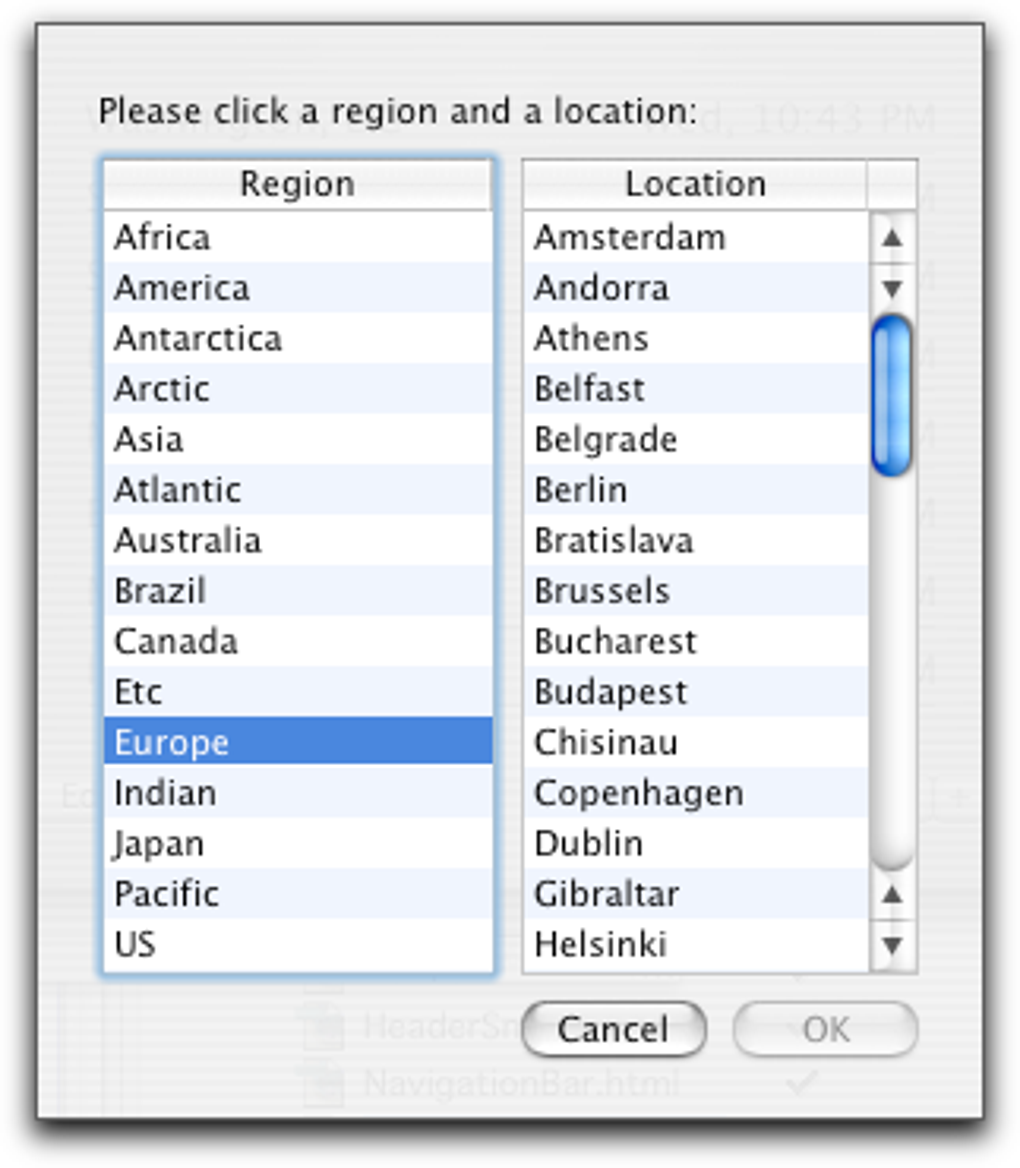
The user interface of WorldTimes is clean and intuitive, emphasizing clarity and functionality. Clocks are displayed in a grid or list format, with options to customize font size, color, and layout for better visibility. Navigation is straightforward, with a sidebar for managing cities and a main panel showing active time zones. The workflow is designed for minimal interaction—once cities are added, the application runs in the background with real-time updates.
Users can access settings through a single menu, where they can adjust update frequency, enable or disable notifications, and manage the display mode. The software integrates smoothly into daily routines, requiring little learning curve. Performance observations are based on general software behavior patterns; no specific CPU or RAM usage data was provided. The developer did not specify resource usage details, but the application’s lightweight size suggests efficient operation. Stability appears consistent, with no reported issues related to crashes or freezing.
Compatibility & System Requirements
WorldTimes is available for both Windows and Mac operating systems, supporting modern desktop environments. The software version is 2.3.1, with a download size of 25.4 MB. This compact footprint indicates efficient packaging and minimal disk space usage. However, exact system requirements such as minimum processor speed, RAM, or OS version were not listed by the developer.
Compatibility information is limited to platform availability. Users should ensure their system meets general requirements for running desktop applications. The developer did not provide additional system requirements. It is recommended to verify compatibility with your device before installation. For users on older systems, it is advised to consult the official documentation or support channels if available.
Pros and Cons
Pros
- Accurate real-time time tracking across multiple global locations
- Intuitive interface designed for quick setup and daily use
- Lightweight installation at just 25.4 MB
- Customizable city list for personalized time zone management
- Supports international scheduling with reminder functionality
Cons
- No publicly available details on system requirements
- Price point may be high for casual users
- Limited to desktop platforms; no mobile or web version mentioned
- Exact performance metrics (CPU/RAM usage) not disclosed
- Updates and version history not detailed beyond version 2.3.1
FAQ Section
Is WorldTimes compatible with Windows and Mac?
Yes, WorldTimes is available for both Windows and Mac operating systems.
Is the software secure to download and use?
WorldTimes is developed by TimeWise Inc. and distributed through official channels. As with any software, users should download from trusted sources to ensure security.
How often does the application update the time?
The application synchronizes with internet time servers in real time, ensuring accurate and up-to-date clock displays.
Can I use WorldTimes offline?
Yes, the application can function without an internet connection after initial synchronization, though real-time updates require connectivity.
What type of license does WorldTimes use?
WorldTimes is a paid desktop application with a one-time purchase model. The license allows use on a single device.
Final Thoughts + CTA
WorldTimes stands out as a reliable and efficient tool for managing time across global regions. Its clean interface, real-time synchronization, and customizable features make it a valuable asset for professionals in international roles. While the lack of detailed system requirements and performance data may raise questions for some users, the software’s lightweight design and clear functionality suggest strong performance potential.
It is best suited for remote workers, global team coordinators, and frequent travelers who need precise time awareness. For users seeking a dedicated, desktop-based solution to avoid time zone confusion, WorldTimes delivers on its promise. The $19.99 price tag reflects its specialized utility, especially when compared to free alternatives that may lack consistency or depth.
Download WorldTimes now to streamline your international scheduling and stay synchronized across the globe.







